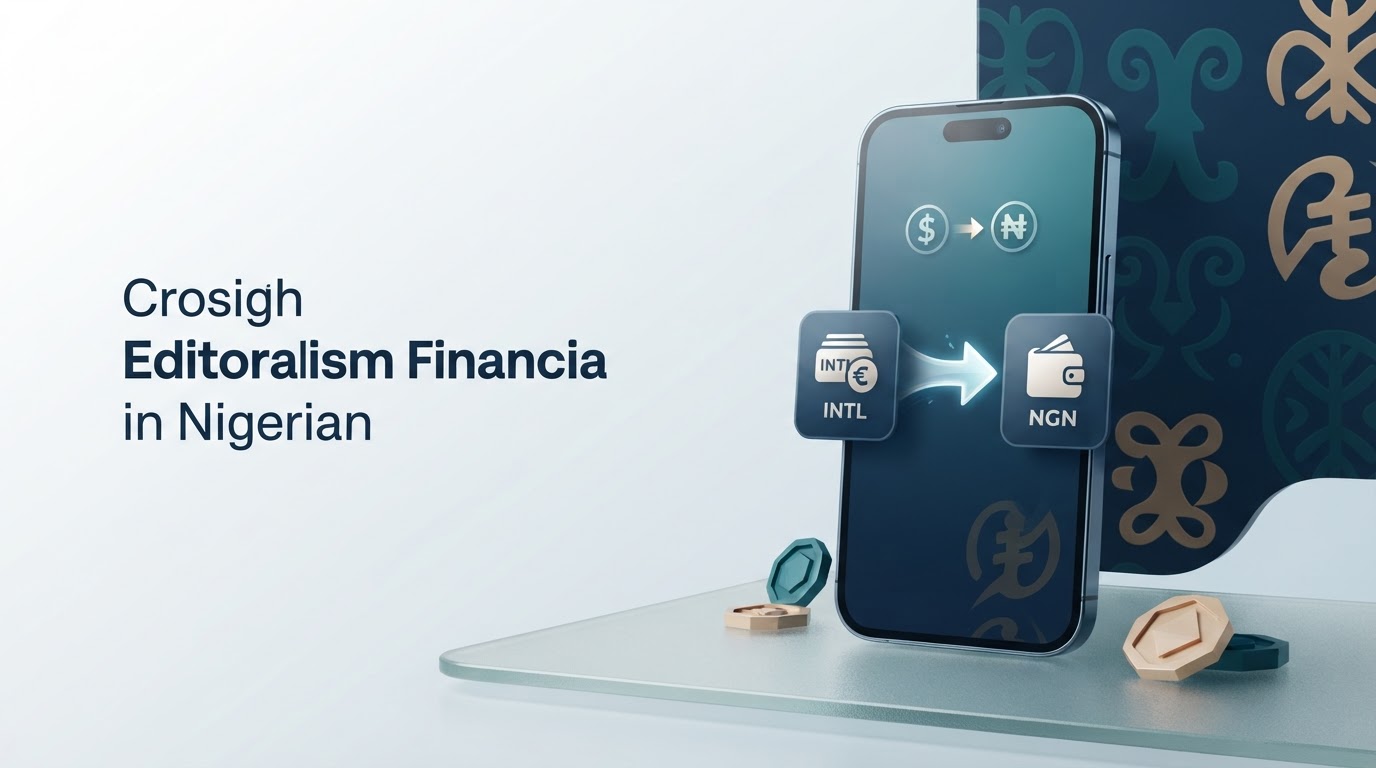
Nigerians who use PayPal now have a local withdrawal option through Paga. Eligible customers can connect a Nigerian PayPal account to a verified Paga account, view their PayPal balance and withdraw supported USD funds into their Paga wallet, where the money is received in naira. This is a useful development, but it does not mean every PayPal feature is now available in Nigeria.
This guide explains what the Paga–PayPal connection currently does, who can use it, how to link the accounts, how withdrawals work, and the important fees and limitations to check before moving money. Product terms can change, so use the fee and confirmation screens in your own accounts as the final reference.
What is the Paga–PayPal integration?
Paga has partnered with PayPal to let eligible customers connect a Nigerian PayPal account to their Paga wallet. After linking, customers can receive eligible international PayPal payments into their Nigerian PayPal account and withdraw available USD balance through Paga, receiving the converted amount in their Paga naira wallet.
This is a connection for accessing eligible PayPal funds locally. It should not be described as the full international PayPal experience: Paga’s help centre says PayPal Checkout is not currently supported for Nigerian (NG) PayPal accounts, and some other PayPal functions remain limited.
Who can link PayPal to Paga?
- You need a verified Paga account.
- You need an eligible PayPal account with Nigeria set as its country.
- Your account details must meet Paga’s matching and verification requirements. Paga identifies mismatched names, phone numbers or dates of birth as possible reasons a connection may fail.
- If PayPal asks you to complete identity, security or account checks, complete those directly with PayPal before trying to withdraw.
Paga says existing eligible Nigerian PayPal accounts can be linked; you do not necessarily have to create a new PayPal account. Do not use a false country, borrowed identity or another person’s account to get around eligibility checks.
How to link your Nigerian PayPal account to Paga
Paga’s published instructions describe this process in the Paga app:
- Open and sign in to your Paga app.
- Tap the country icon on the home screen.
- Select Add PayPal Account.
- Tap Connect PayPal.
- Enter your PayPal login details in the authorised connection flow.
- Review and approve the connection request.
- Follow any additional verification prompts shown by PayPal or Paga.
Menu labels can change as the app is updated. Only enter your PayPal credentials in the genuine PayPal authorisation screen opened through the official Paga app. If linking fails, check that both accounts are Nigerian accounts, that your details match, and that PayPal is not requesting additional verification.
How to withdraw PayPal money into your Paga wallet
Once the accounts are linked, Paga says you can view your PayPal balance and withdraw available USD funds. The withdrawal is converted and credited as naira to your Paga wallet. The amount you receive depends on the applicable fees and the USD-to-naira rate displayed when you confirm the transaction.
Before confirming a withdrawal, check the amount being withdrawn, the fee breakdown, the exchange rate and the final naira amount. Keep the transaction reference and confirmation for your records. If PayPal places a review or security hold on the funds, the withdrawal may not complete immediately.
Paga PayPal withdrawal fees, limits and timing
At the time of writing, Paga’s help-centre withdrawal information lists a minimum withdrawal of $4 and a maximum of $5,000, with daily limits potentially applying depending on account activity. It lists a withdrawal charge of $3 plus 3% of the transaction amount. The help centre says withdrawals are usually processed instantly or within a few minutes, although PayPal reviews can cause delays.
Paga also states that the current supported withdrawal currency is USD and that the USD-to-NGN exchange rate is the rate shown in the app when you confirm. These terms may change. Always check the live fee breakdown and final conversion quote in Paga before proceeding rather than relying solely on figures in an article.
What can you do with PayPal Nigeria through Paga?
Paga’s help information says eligible Nigerian PayPal users can receive money from international PayPal accounts, send money to PayPal accounts in other countries where permitted, and withdraw received funds into their Paga wallet. PayPal-to-PayPal transfers between two Nigerian PayPal accounts are not supported according to Paga’s published guidance.
What is not supported yet?
Do not assume that linking PayPal to Paga unlocks every feature available to PayPal users in other countries. Paga’s support article specifically says PayPal Checkout is not supported for Nigerian PayPal accounts at present. It describes Checkout, including Goods & Services receiving and sending money, as a later phase. Check Paga’s current support pages for changes before relying on a feature.
Can you withdraw from Paga to a Nigerian bank?
The PayPal withdrawal described by Paga credits your Paga wallet in naira. If you want to move that money to a Nigerian bank account, check the available bank-transfer options, limits and charges inside your Paga app. The PayPal integration itself should not be confused with a direct PayPal-to-bank withdrawal.
Is Paga now the best PayPal alternative for Nigerians?
Paga is not simply another replacement for PayPal. It is a local partner route that helps eligible Nigerian PayPal users access supported PayPal funds in naira. If your client or marketplace can pay you through PayPal, this may be convenient. If you need foreign-currency receiving account details for bank transfers, marketplace payouts, business checkout or other payment methods, compare services such as Grey, Raenest, Payoneer, a domiciliary account or a business payment gateway based on the exact way you get paid.
For a broader comparison, read our guide: 5 Best PayPal Alternatives for Nigerians in 2026.
Troubleshooting common Paga–PayPal problems
If something goes wrong, first identify whether the issue is with linking the accounts, PayPal’s access to the funds, or the withdrawal itself. The checks below are based on Paga’s published support guidance; they are not a guarantee that every failed transaction has the same cause.
1. PayPal will not link to my Paga account
Paga lists several possible causes: an incorrectly entered PayPal password, not completing or approving the connection request, additional PayPal verification or security checks, a PayPal account registered outside Nigeria, or a mismatch in the full name, phone number or date of birth on the two accounts.
- Check that you are using a Nigerian PayPal account and the correct login details.
- Make sure you complete and approve the authorisation request rather than closing the connection screen early.
- Compare the personal details on both accounts, especially your full name, phone number and date of birth.
- If PayPal requests a security or identity check, sign in to PayPal directly and follow its instructions before trying again.
Do not repeatedly guess passwords or change account information to force a match. If the details are correct and the issue continues, contact Paga through its official support centre.
2. My PayPal account is linked, but I cannot withdraw
Paga says that if your PayPal account is restricted, you may need to log in to PayPal and complete the required verification or security checks before a withdrawal can be completed. Check your PayPal account notifications and Resolution Centre for any outstanding request. Paga’s integration currently describes USD withdrawals converted to naira and credited to your Paga wallet.
3. My withdrawal is taking longer than expected
Paga says withdrawals are usually processed instantly or within a few minutes, but a PayPal review can cause a delay. Check the transaction status in the app and your PayPal account before attempting another withdrawal. Avoid submitting repeated transactions while the first one is still pending, so you do not accidentally initiate a duplicate payment.
If the transaction remains pending or the money appears to have been deducted without arriving in your Paga wallet, keep the transaction reference, amount, date and any status message. Contact Paga support through the official app or support centre and ask them to trace that specific transaction. Do not share your password, one-time passcode or full security credentials with anyone claiming to help.
4. The naira amount I receive is lower than I expected
The final naira amount depends on the withdrawal fee and the USD-to-NGN exchange rate shown when you confirm. Paga’s support information lists a fee of $3 plus 3% of the transaction amount and says the app displays the full fee breakdown before confirmation. Review the fee, exchange rate and net amount on that screen before proceeding. If a completed transaction does not match the confirmation details, contact Paga with the transaction reference.
5. Where should I get help?
Use Paga’s official PayPal linking troubleshooting guide for connection errors and its withdrawal support section for fees, limits and processing times. For a restricted PayPal account, complete the checks requested inside PayPal. If you contact support, provide the transaction reference and relevant error message, but never send your password or one-time passcode.
Frequently asked questions
Can Nigerians receive PayPal payments now?
Eligible Nigerian PayPal accounts can receive supported payments from international PayPal users, with Paga providing a route to withdraw available USD funds into a Paga naira wallet. This does not mean all PayPal features are available in Nigeria.
Can I link my existing Nigerian PayPal account?
Yes. Paga’s help centre says an existing eligible Nigerian PayPal account can be linked through the Paga app.
Can I withdraw PayPal dollars directly as USD?
Paga’s published withdrawal guidance currently describes USD withdrawals converted to naira and credited to your Paga wallet. Check the app for any newly introduced withdrawal options.
Does linking Paga enable PayPal Checkout?
No. Paga’s help centre currently says PayPal Checkout is not supported for Nigerian PayPal accounts. Check its support documentation for future updates.
Why might my PayPal account fail to link?
Possible reasons listed by Paga include an incorrect password, an unapproved connection request, additional PayPal verification, an account registered outside Nigeria, or mismatched personal details between PayPal and Paga.
Official Paga resources
- What is the Paga–PayPal integration?
- How to link a PayPal account to Paga
- What you can do after linking PayPal
- Withdrawal limits, fees and exchange rates
- PayPal Checkout availability for Nigerian accounts
- Troubleshooting PayPal linking
Editorial note: This guide is based primarily on Paga’s published support information available at the time of writing. Features, fees, limits and eligibility can change. Confirm all details in the official app and support centre before making a transaction. This article is for general information and is not financial advice.
Một trang web giải trí rất đáng thử pokemon pikachu TONY11-27